How to check the version of the app I am using:
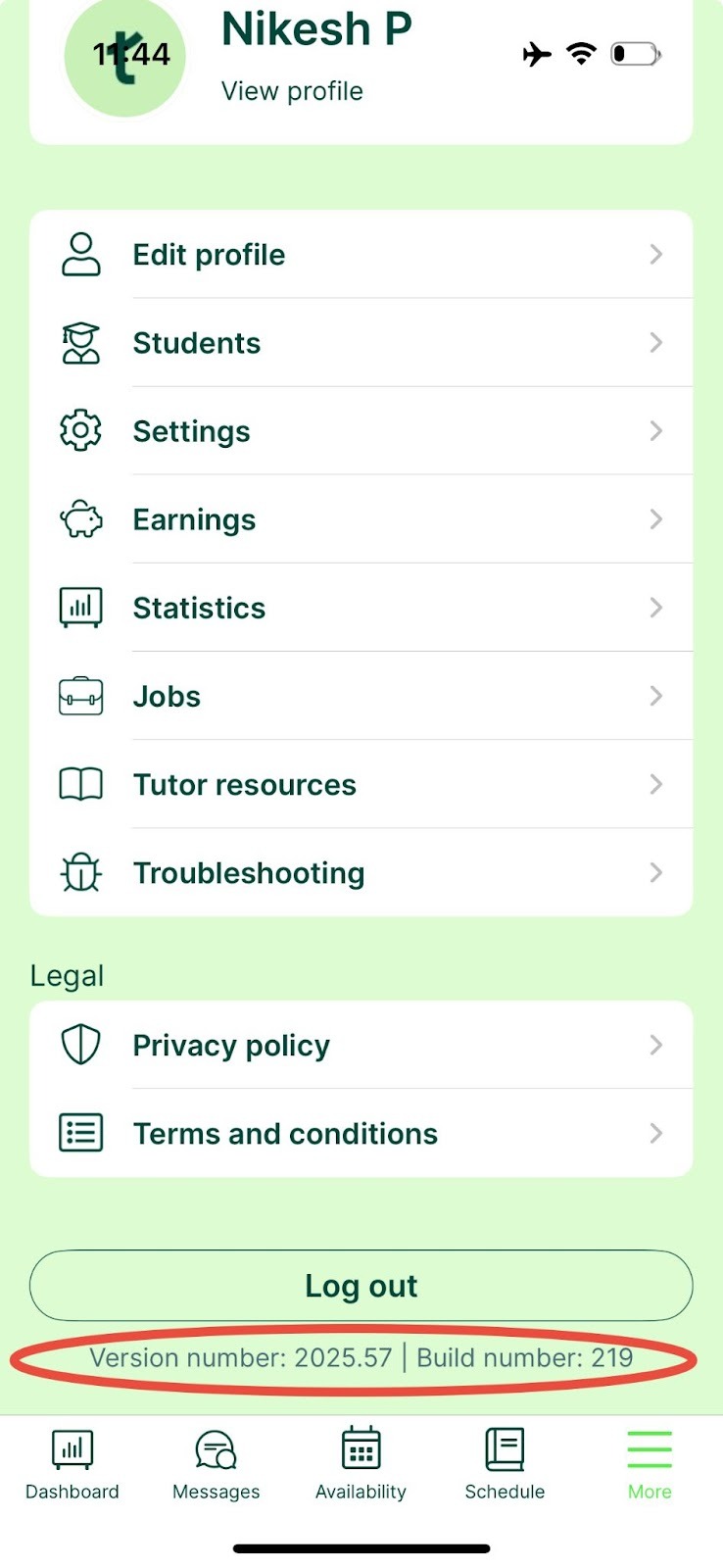
You can find this by going to “more” on the bottom right of your screen and then scrolling to the bottom - the app version will be at the bottom of this page
How to check the version of your browser you are using:
The Google Chrome browser is the browser we always recommend that students and tutors use when logging in to our website as it works the best with our platform and online classroom.
For Google Chrome:
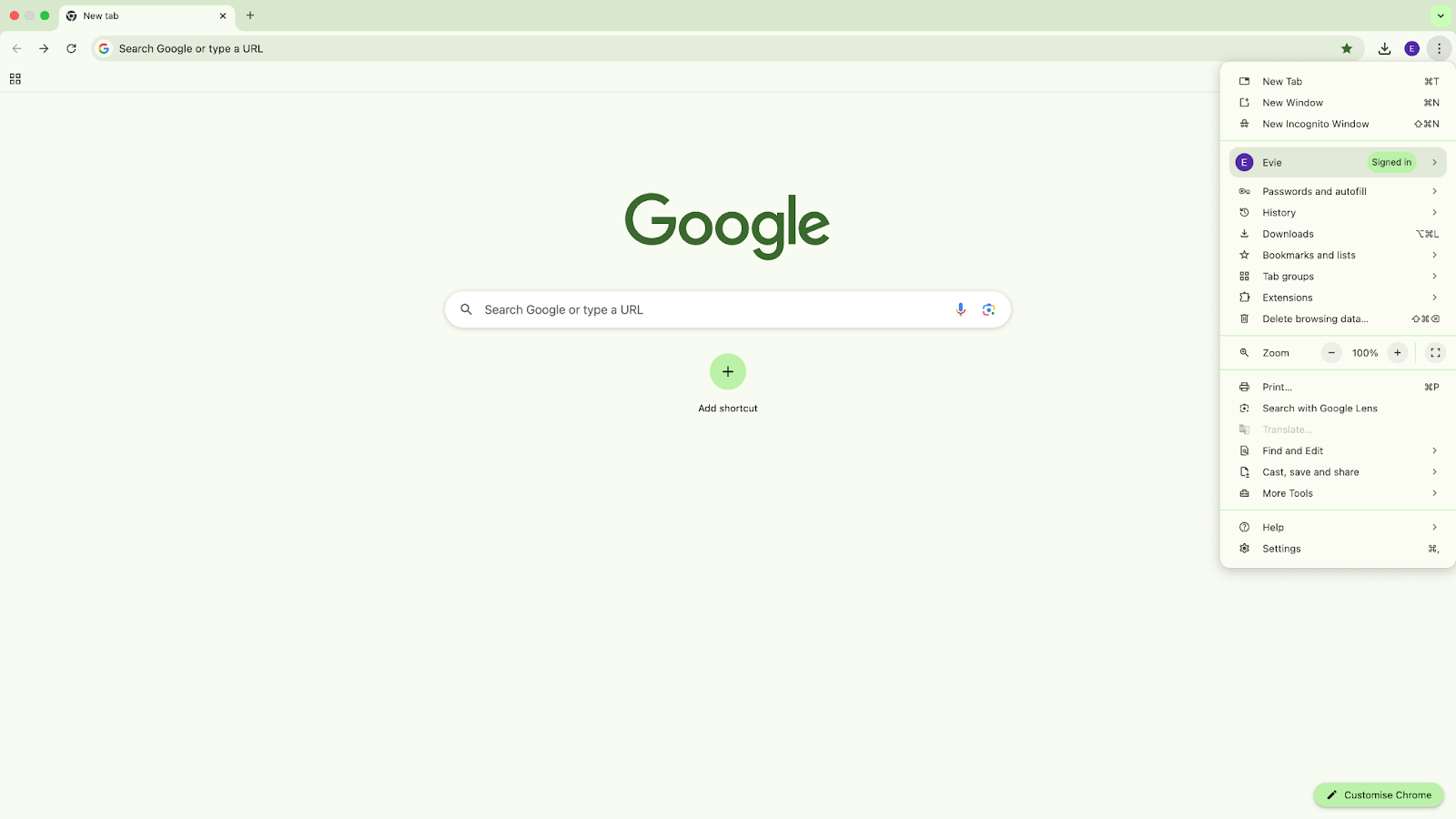
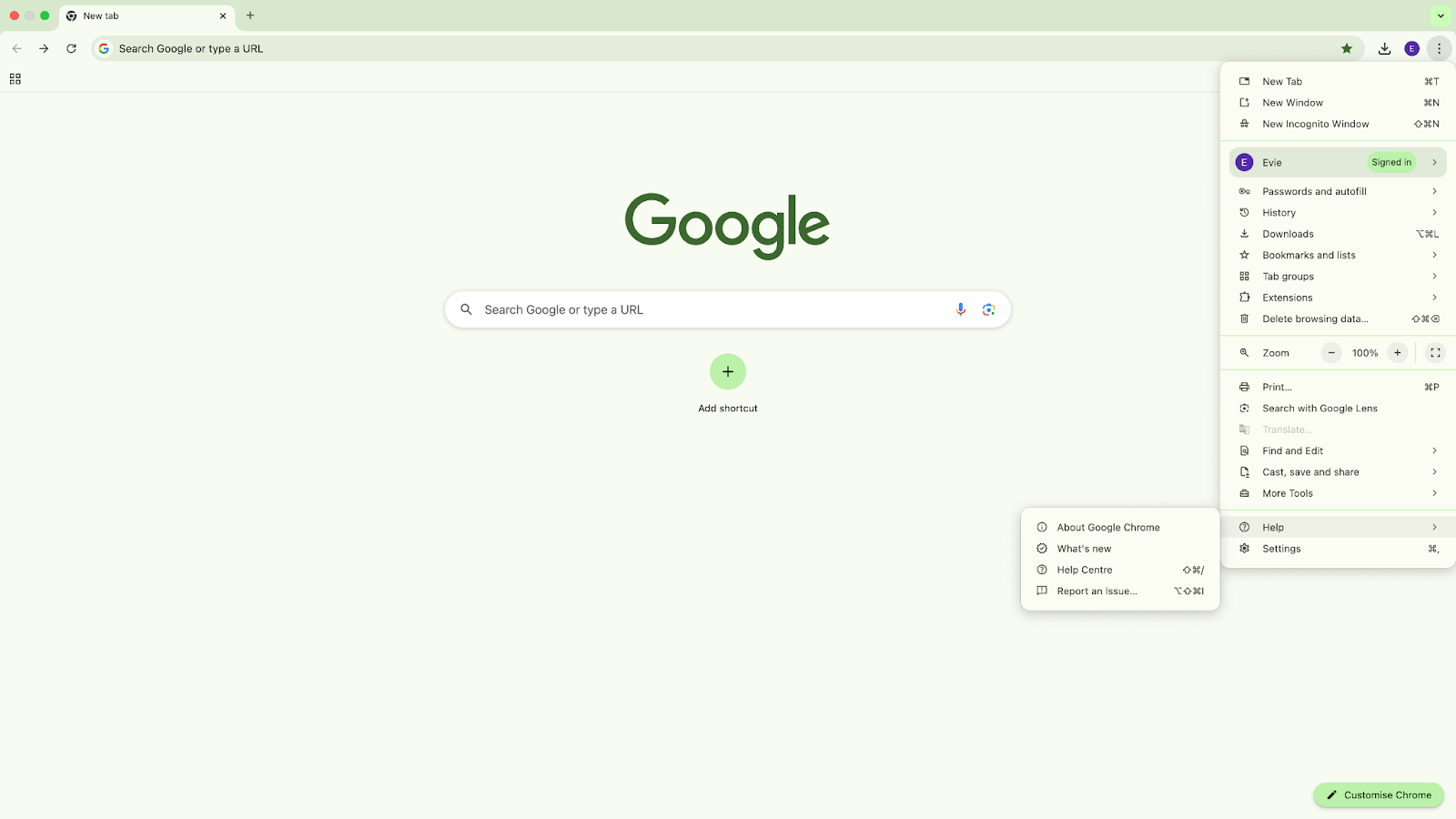
- Open Chrome.
- Click the three dots icon (More) in the top-right corner.
- Select Help from the dropdown menu.
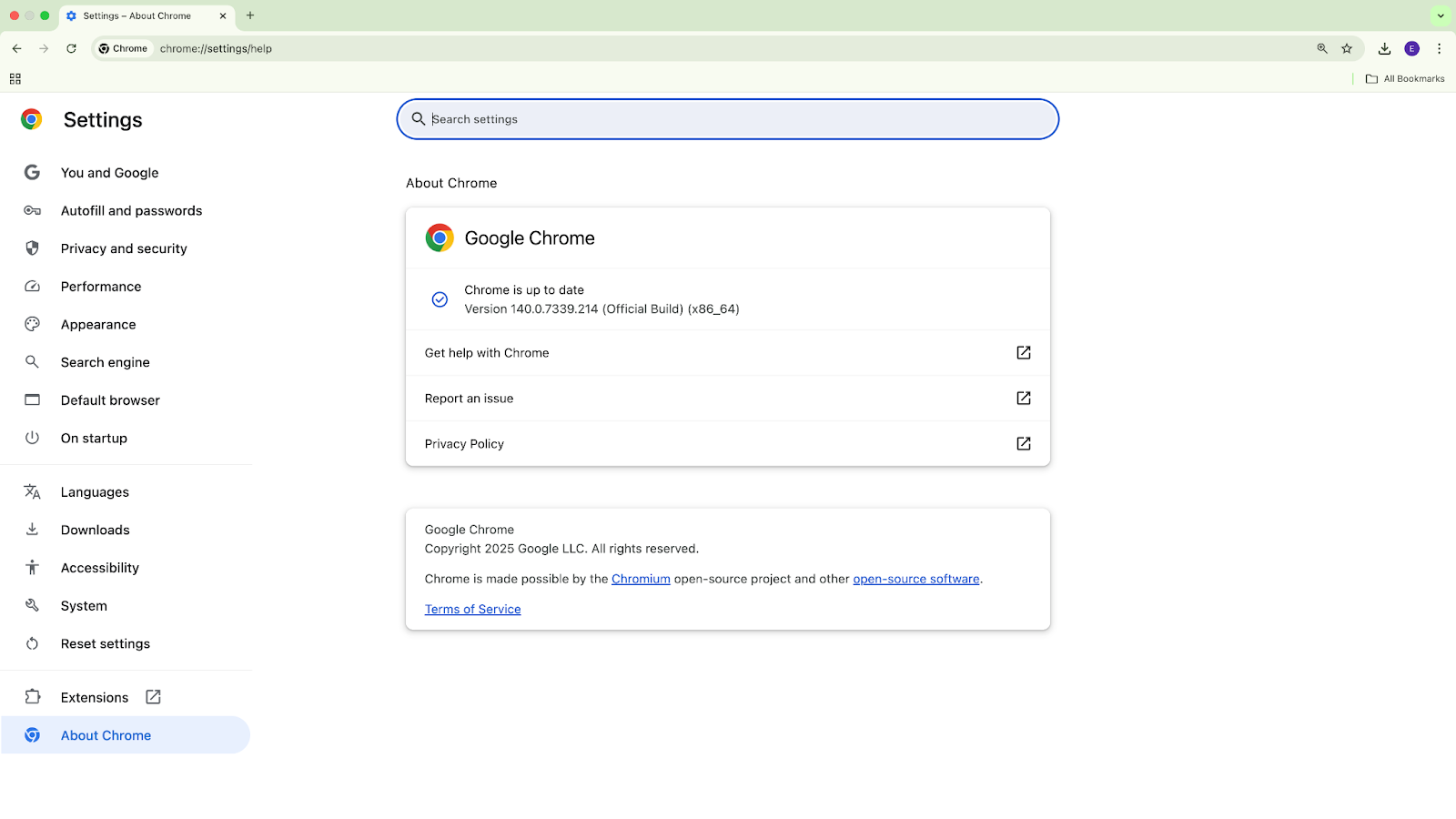
- Choose About Google Chrome.
Your browser version will be displayed in the new tab or window that opens.