
Safari asks you to allow Lessonspace access to your camera and microphone each time you sign in or refresh the page. If you need to re-enable access on your MacBook or iMac, follow these steps.
How to re-enable your camera and microphone in Safari
- Open Safari Preferences.
- Go to Websites.
- Open the Camera and Microphone tabs and allow access for Lessonspace.
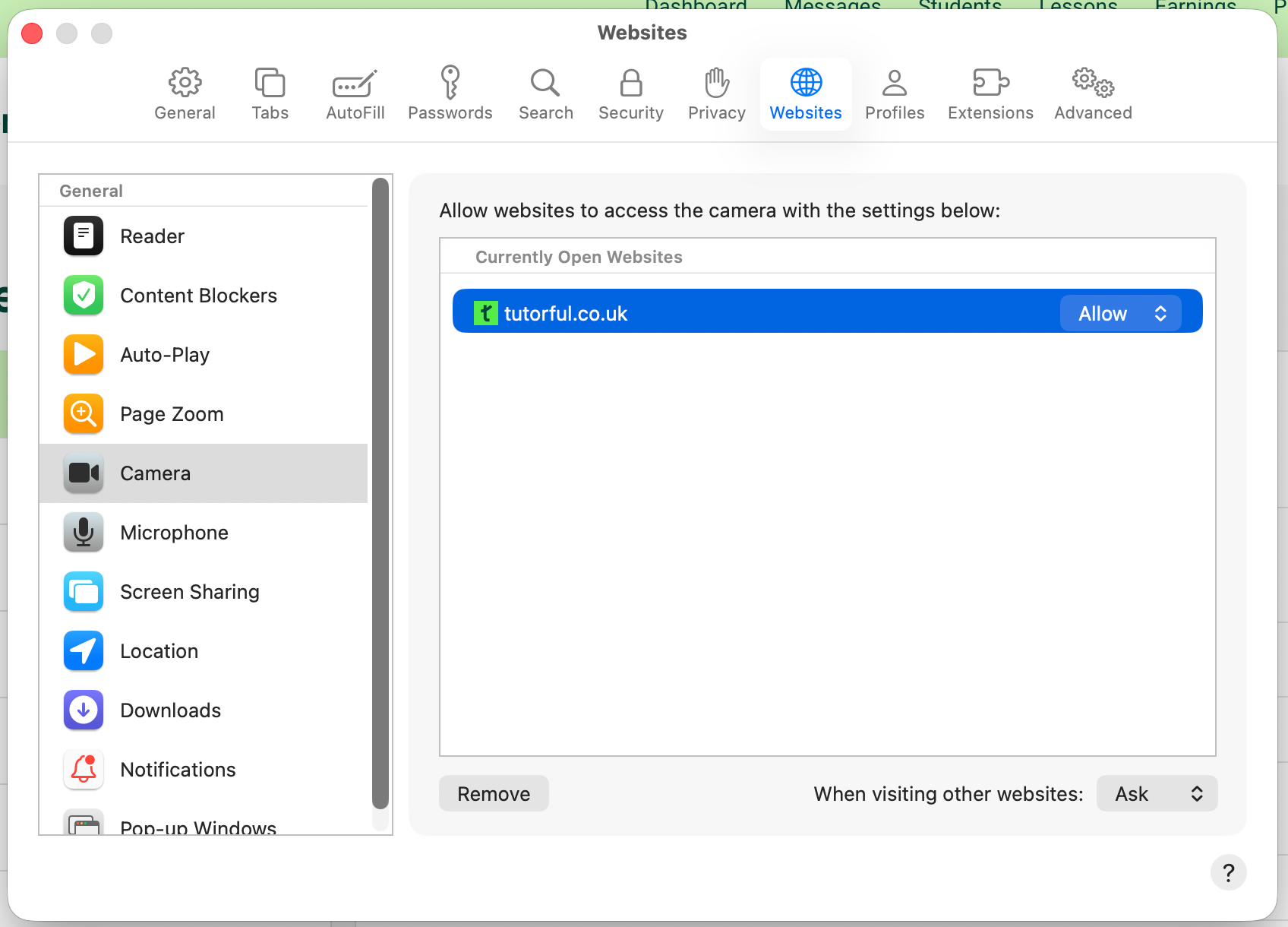
- Restart Safari.