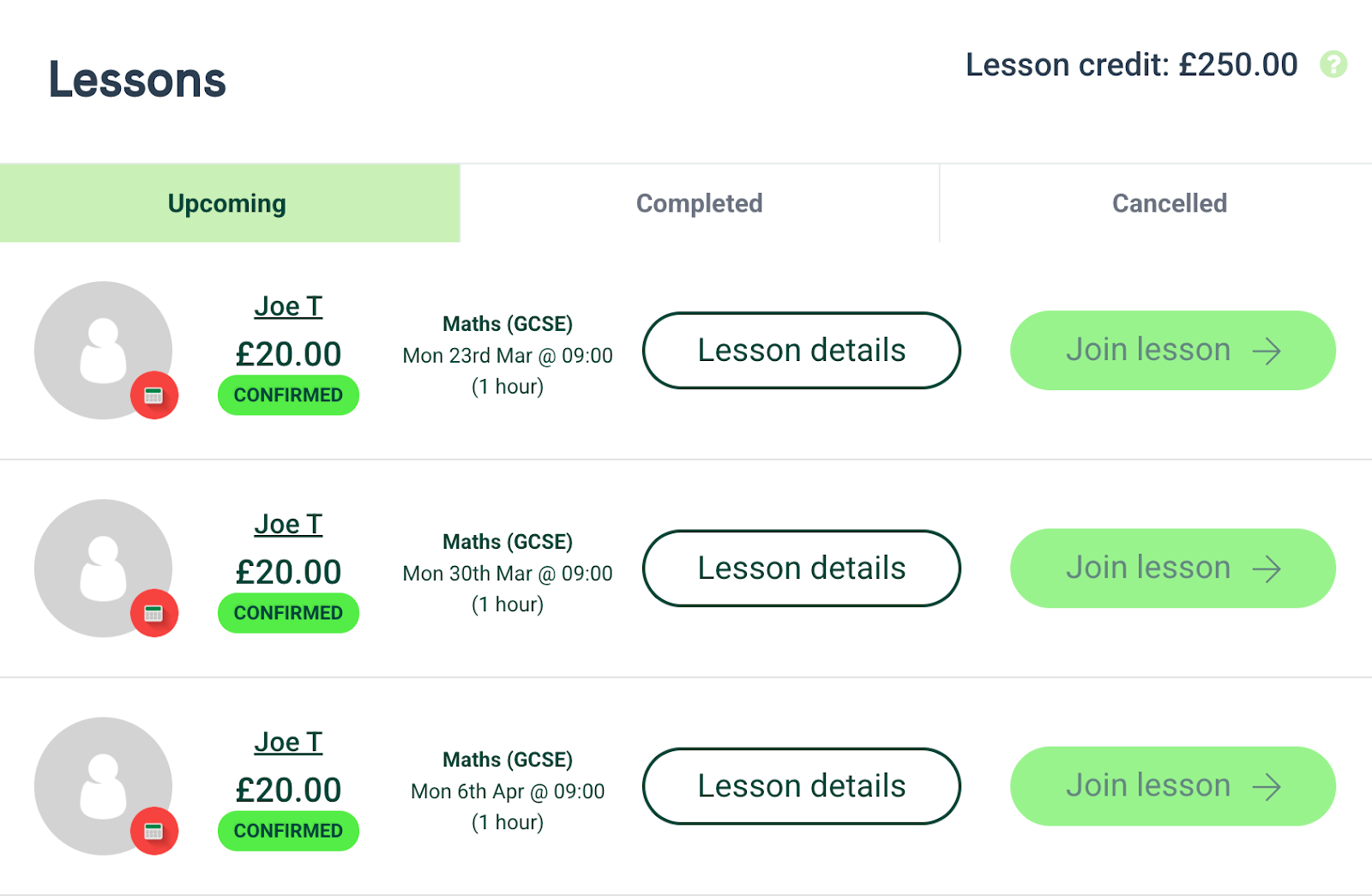
So you’ve found a tutor’s profile that you think may be of interest to you! You’ll now be able to book your lessons using the booking form on their tutor profile.
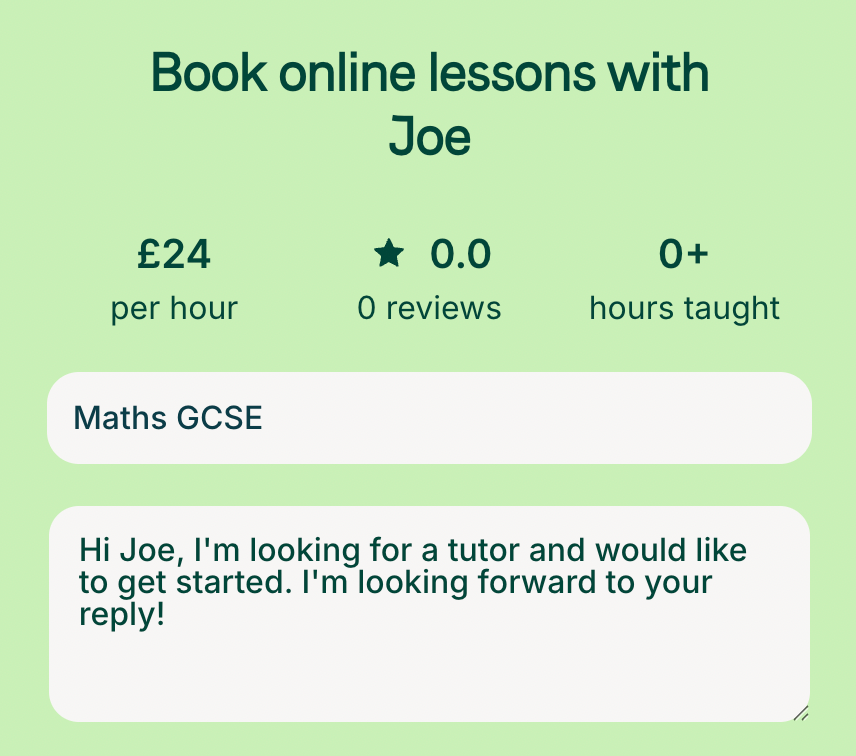
We suggest writing a short paragraph with any information about your requirements, for example:
- Who are the lessons for? Include school year if for a child.
- Any particular challenges faced or topics to focus on?
- What would success look like? If to pass an exam include the current predicted grade.
You can then select the date and time of your first lesson, as well as the lesson duration.
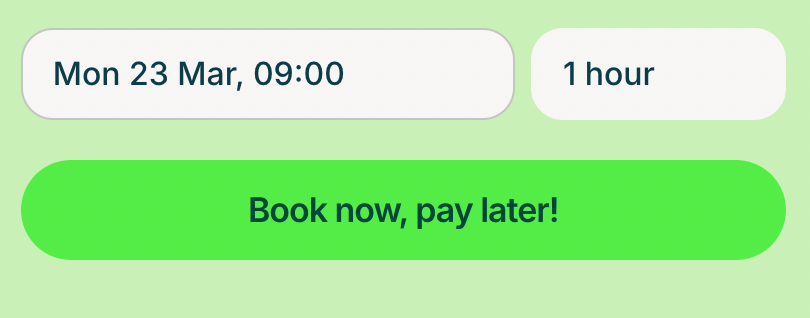
Once you click the ‘Book now’ button, you’ll be asked to confirm your payment information (if you haven’t already done so) and your weekly lessons will then be booked.
Please note: Lessons are booked on a weekly basis as default. If you do not wish to have lessons at the same time each week, please let your tutor know once you have booked, and they will be able to make any necessary changes to your bookings.
Once booked, you can view, manage and join your lessons from the dashboard.
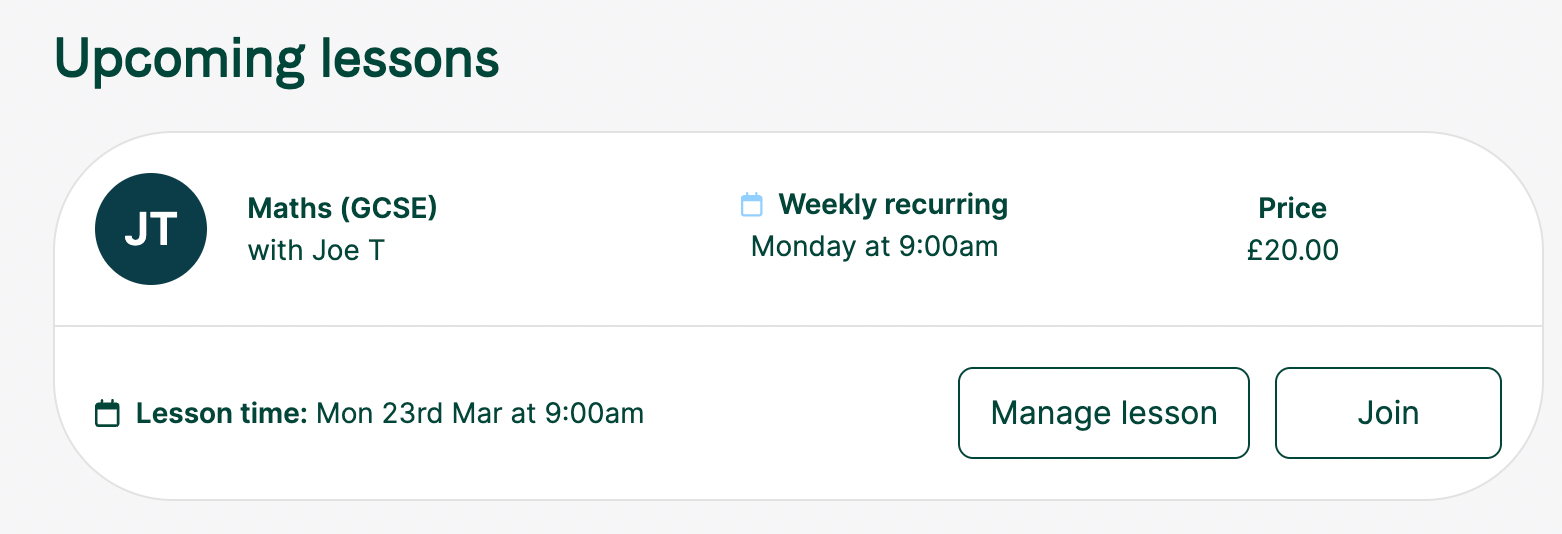
If you wish to view all of your lessons in a list view, you can do so by going to the ‘Lessons’ tab. This is also where you'll be able to cancel any lessons if necessary - for more information on this, please see our guide here.