
The easiest way to confirm your lesson is to follow the link in the email or text we send when it’s booked. If you’ve lost those, you can also confirm from your messages or the Lessons tab.
Ways to confirm
- From the email or text: follow the confirmation link.
- From your messages: log in, go to the Messages tab, and find the link in the thread with your tutor.
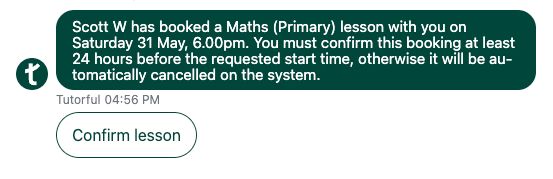
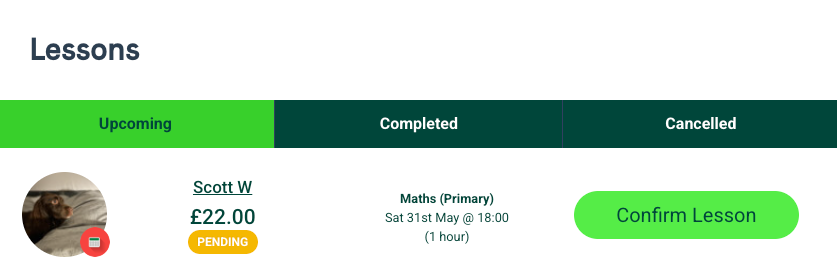
- From the Lessons tab: on web or app, go to Upcoming Lessons and confirm any unconfirmed lessons.
You’ll go to the confirmation page, enter your payment details, and authenticate with your bank. Your lesson is then confirmed.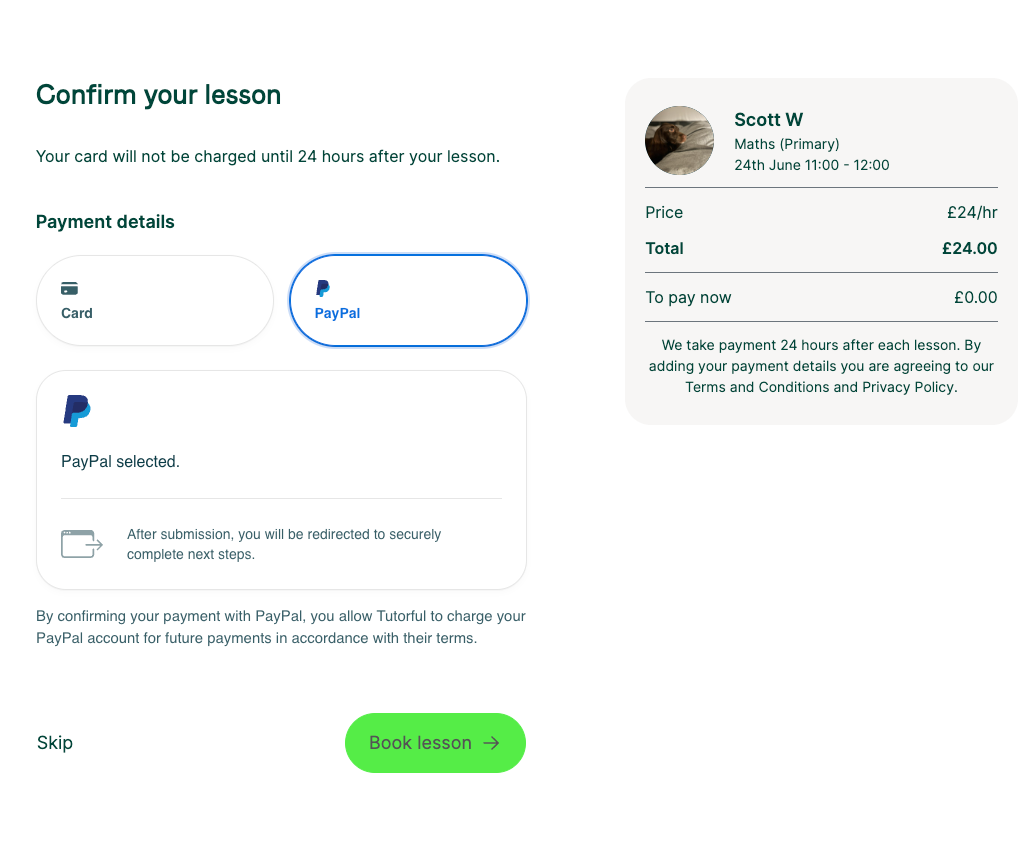
You only confirm once per tutor
After your first lesson with a tutor, further lessons are confirmed automatically, and payment is taken 24 hours after each session. You can also enter payment details when sending a lesson request; we won’t charge you then, as payment is only taken 24 hours after a lesson.